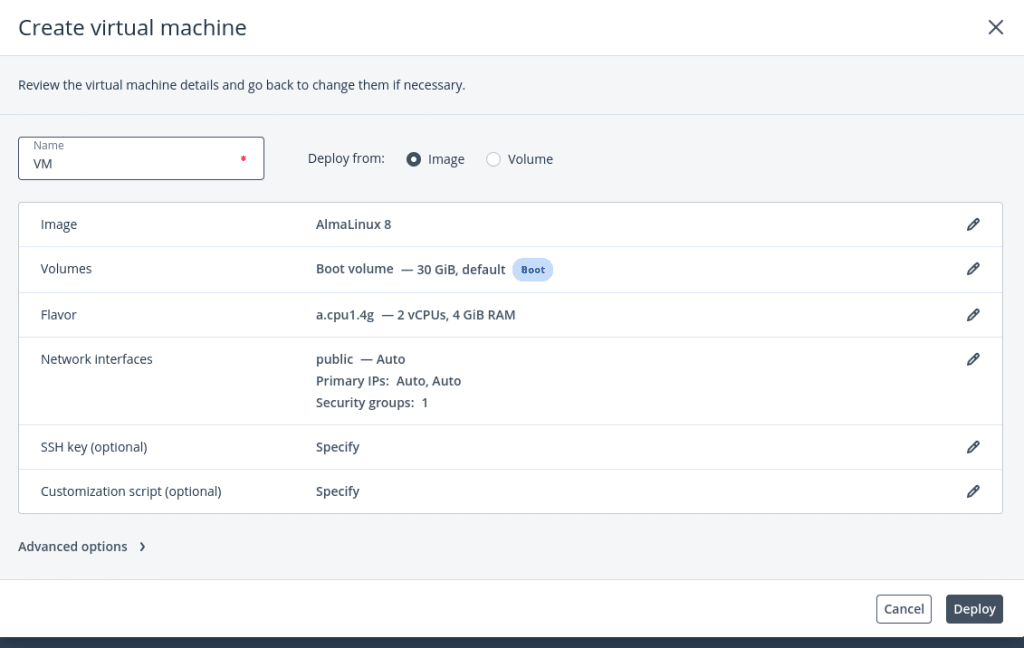
- Create a Virtual Machine as per your requirement with the required OS, Flavor, and disk space
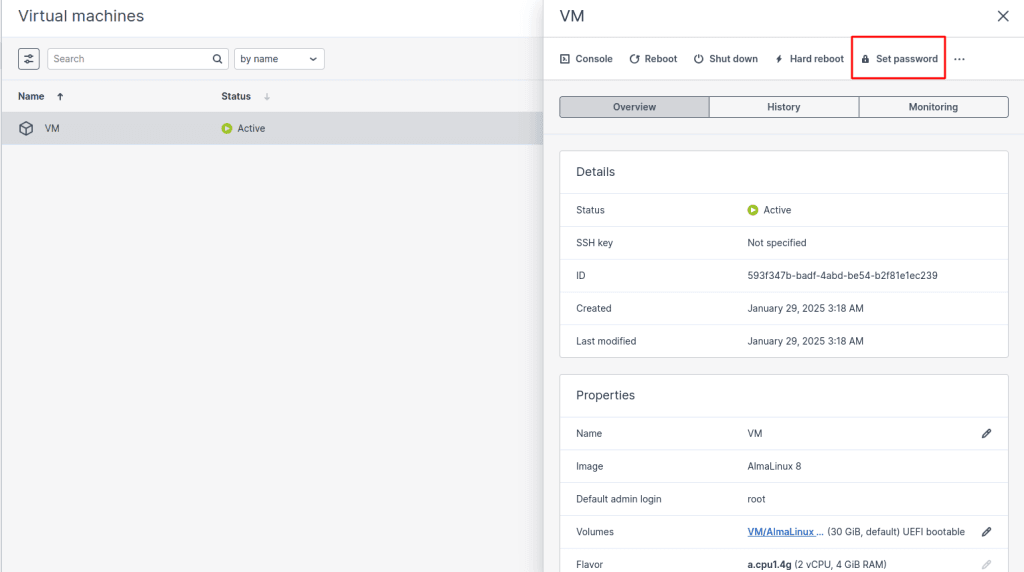
2. After creating a Virtual Machine you need to click on VM and click on set password
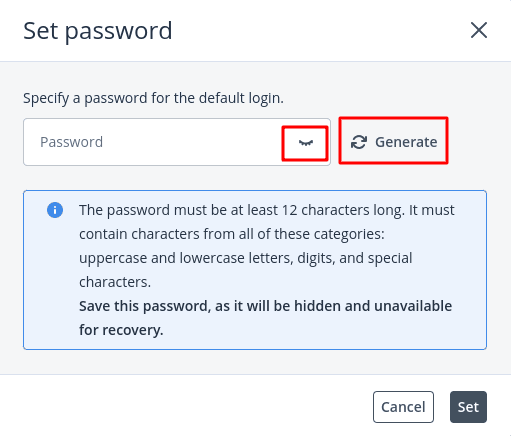
3. You can generate the password or give a password that meets the password requirements as mentioned.
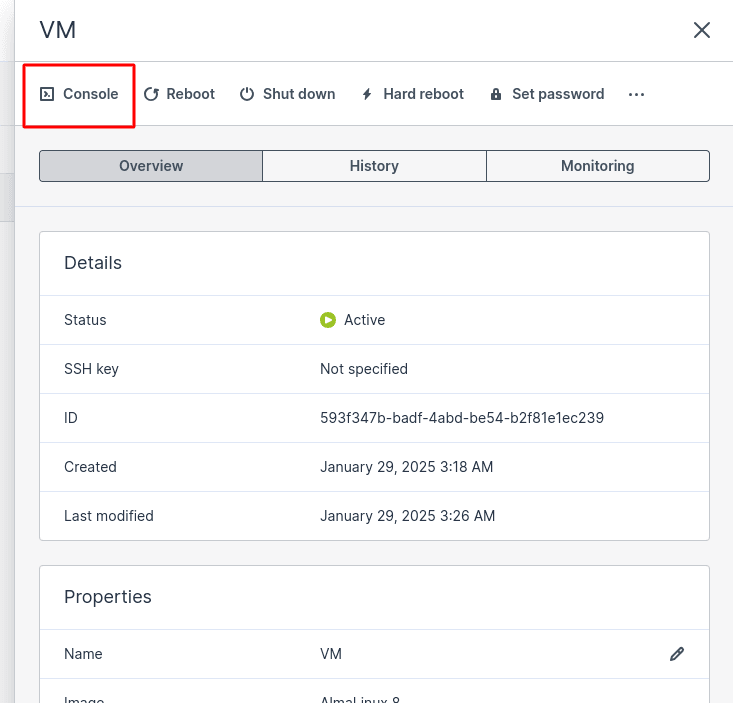
4. You can take the console of the Virtual Machine and use the same password to log in to Virtual Machine